 ChatGPT,
  Claude,
  Gemini,
  Grok — all four for
 How to Purchase Bluehost AI Credits
AI Credits are the prepaid balance that powers these requests through the Bluehost AI Gateway, giving you seamless access to top-tier models from providers like OpenAI, Anthropic, Google, and xAI. Before you can create an API key or connect an application to an AI model, you'll need to maintain an active credit balance in your account. This guide walks you through selecting a credit pack, applying a promo code if you have one, and completing your purchase directly from the Bluehost Portal.
Watch this short video for a quick walkthrough on purchasing Bluehost AI Credits.
How to Purchase AI Credits in Your Bluehost Portal
To create API keys and start using AI models, you need an active credit balance. Follow these steps to select and purchase an AI credit package directly from your Bluehost Portal:
- Credits are non-refundable.
- You must add credits to your account before you can create and manage API keys.
- Credits expire—check your account balance page to find your specific expiration date.
- Log in to your Bluehost Portal.
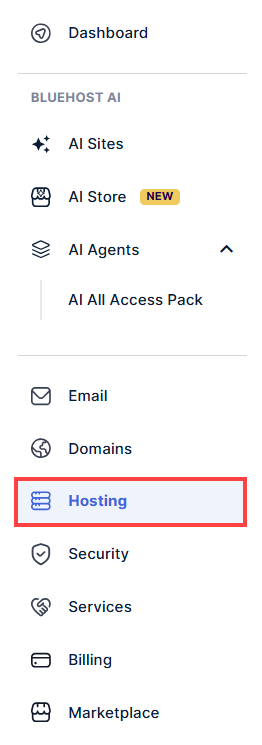
- In the left-hand menu, click the Hosting tab.
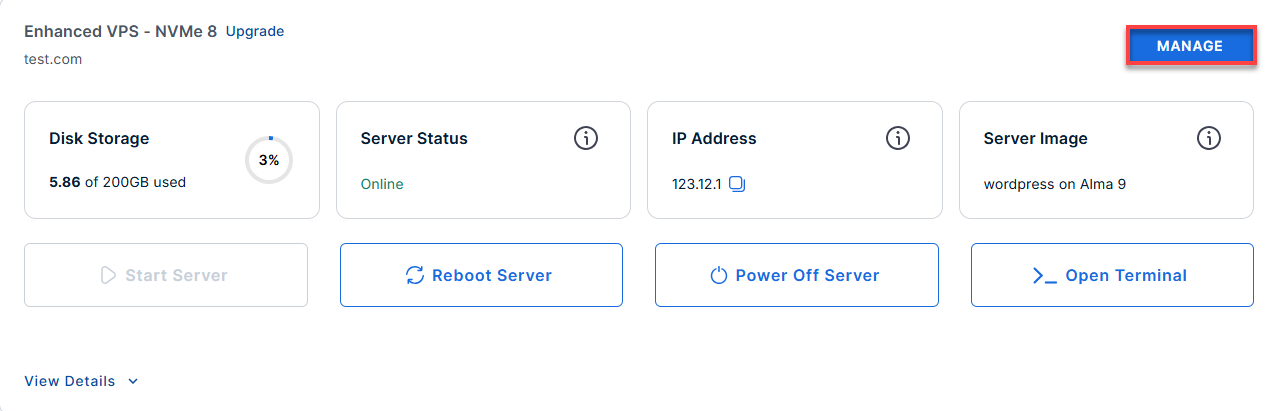
- Click the Manage button on the hosting package where you want to add the AI Credits.
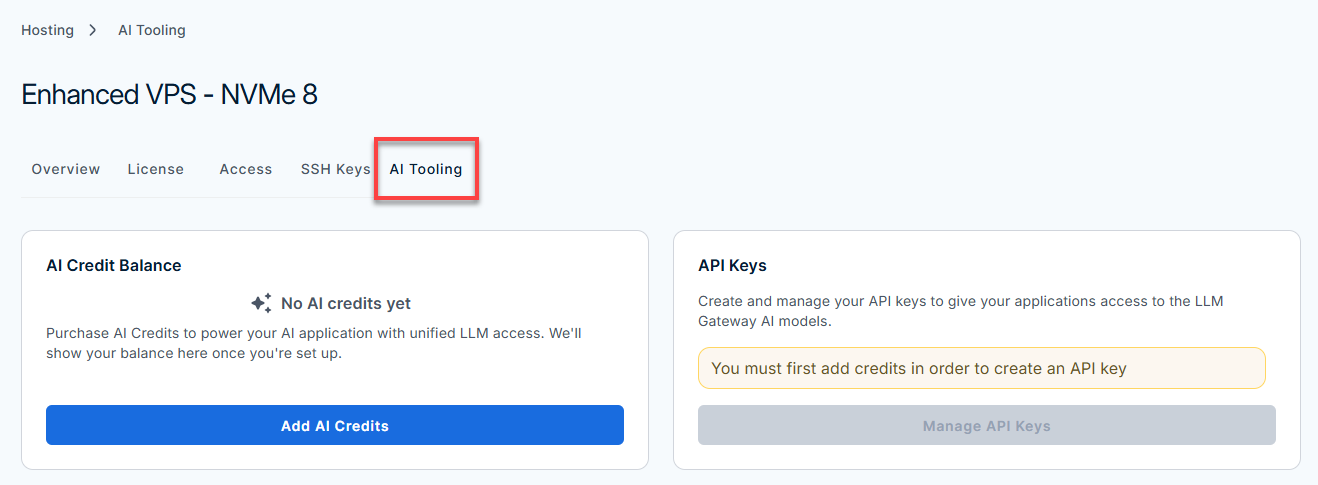
- On the hosting details page, click the AI Tooling button.
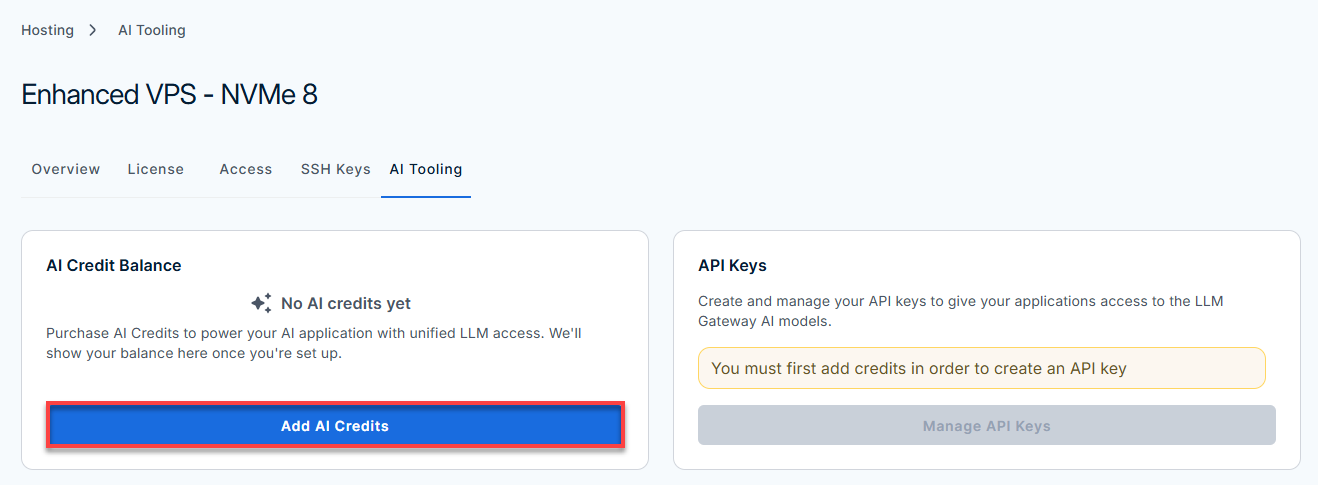
- Under the AI Credit Balance section, click the Add AI Credits button.
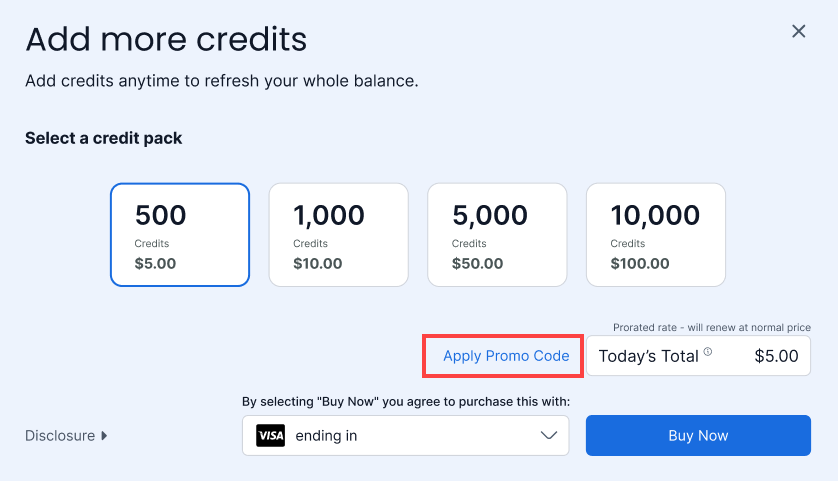
- Choose a credit pack:
Tip: For current pricing and available credit packs, visit Understanding AI Credits.
- 500 credits — $5.00
- 1,000 credits — $10.00
- 5,000 credits — $50.00
- 10,000 credits — $100.00
Important: Pricing is subject to change. The rates shown here reflect current pricing at the time of writing. For the most up-to-date pricing, check the AI Tooling tab in your Bluehost Portal. - Enter a promo code if you have one. Click Apply Promo Code to enter your code and update your order total.
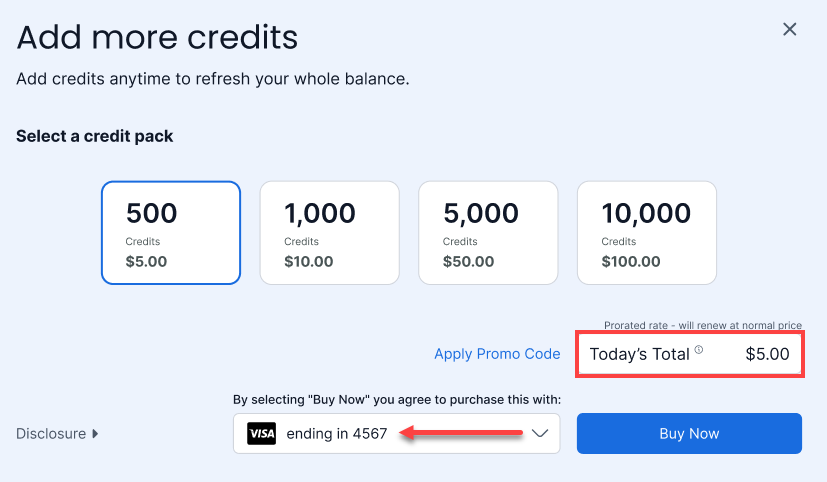
- Review Today's Total and confirm the payment method on file.
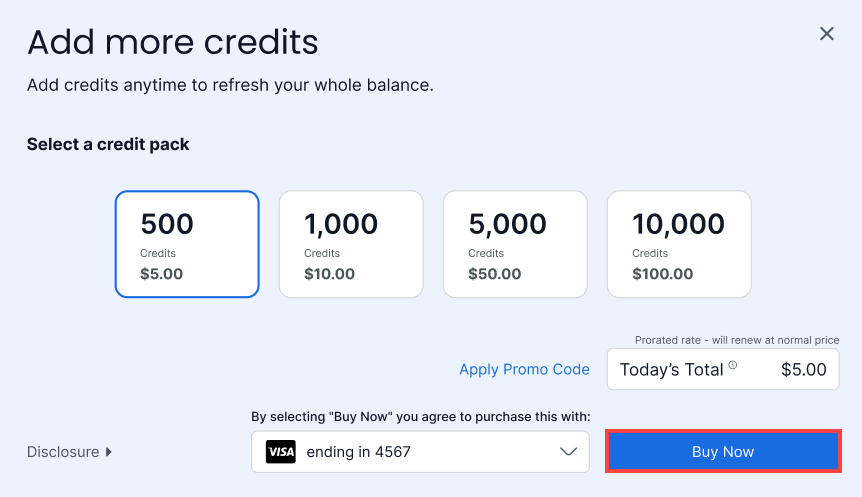
- Select Buy Now to complete your purchase.
After purchasing AI Credits, you can generate your API keys to enable model access.
Frequently Asked Questions
Do I need to create an API key to use my credits?
Yes. AI Credits fund your usage, but you'll also need an API key to connect an application to the AI Gateway. See How to Manage Your Bluehost API Keys for those steps.
Are AI Credits refundable?
No. All AI Credit purchases are final and non-refundable.
Do AI Credits expire?
Yes. Your available balance and its expiration date are both shown on the AI Credit Balance page in your Bluehost Portal.
Can I purchase additional credits at any time?
Yes. You can add more credits to your balance at any time from the AI Tooling section of your Bluehost Portal, regardless of your current balance.
Summary
Bluehost AI Credits are a non-refundable, prepaid balance required to generate API keys and access models from providers like OpenAI, Anthropic, Google, and xAI. Users can purchase various credit pack tiers directly through the Bluehost Portal under the Hosting > AI Tooling section. Purchased credits are added to your account instantly, though they carry an expiration date visible in your portal balance. While you can reload your credits at any time, an active balance must be maintained before you can create API keys or connect applications.