 ChatGPT,
  Claude,
  Gemini,
  Grok — all four for
 Apple Pay Integration: Simplify Your Bluehost Checkout
Bluehost now accepts Apple Pay to streamline and enhance your checkout process. This payment option gives you a convenient and safe way to check out directly from your Apple Wallet.
This article discusses what to expect when you purchase a service with Bluehost and see Apple Pay as a payment method.
To learn more about how to add a new payment method to your Bluehost Portal, please visit the Payment Types Accepted: Credit Card, PayPal, and Checks article.
Apple Pay as a Payment Method
When you purchase a domain or a hosting service with Bluehost, you will encounter several payment options during the checkout process, including Apple Pay.
- Choose the domain or hosting service you want to purchase from the Bluehost webpage or from your Bluehost Portal, then click Continue to Checkout.
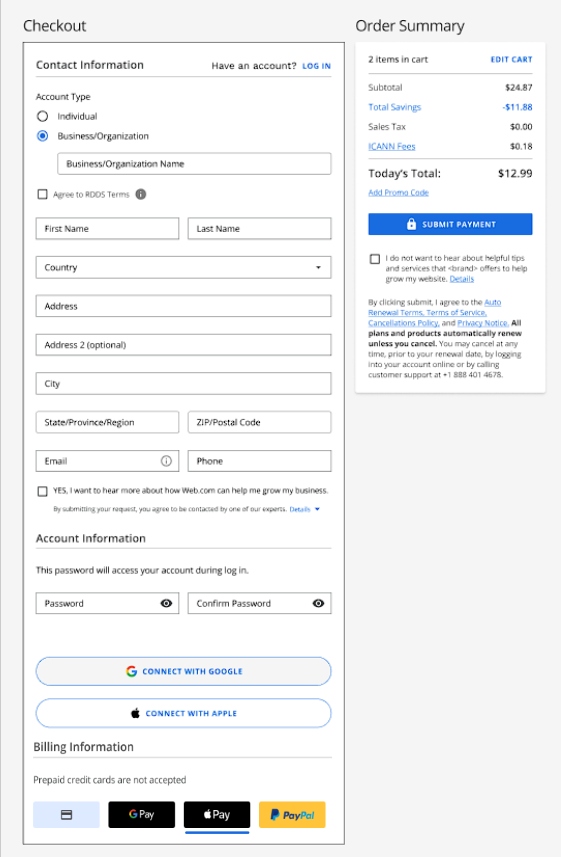
- On the Checkout page, you will find the following form:
- For new customers, enter your details in the Contact Information, Account Information, and Billing Information fields.
- For existing customers, your Bluehost login account details will be displayed if you're already logged into your Bluehost Portal.
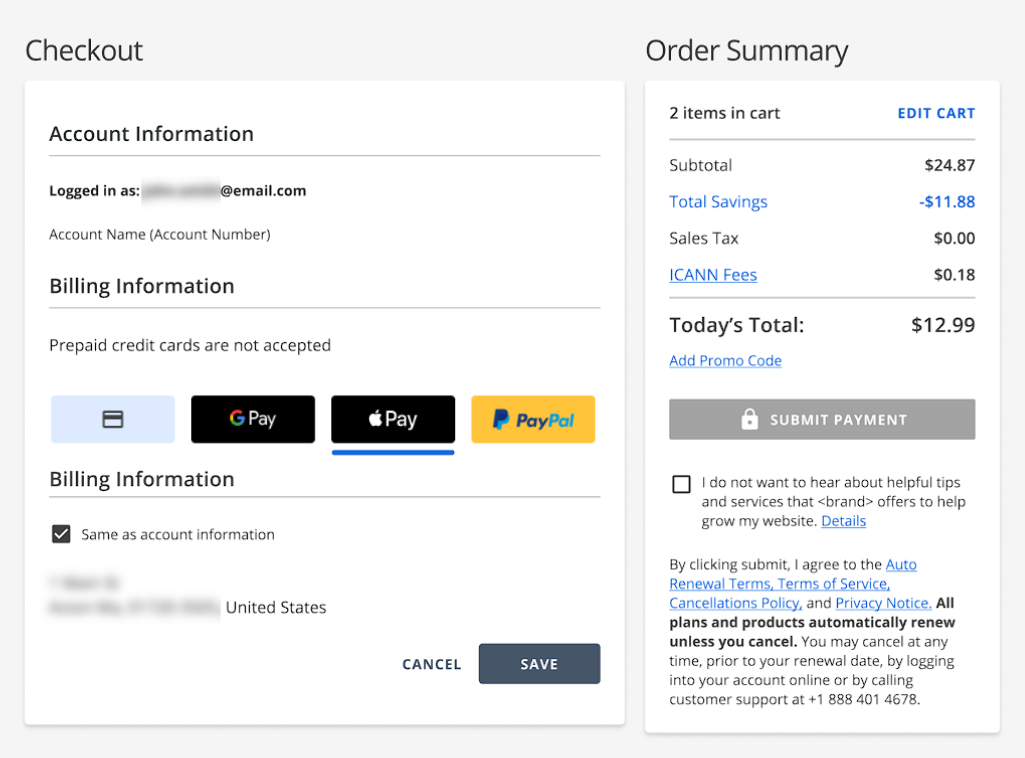
If you are not yet logged in, you can click the Log In link.

- For new customers, enter your details in the Contact Information, Account Information, and Billing Information fields.
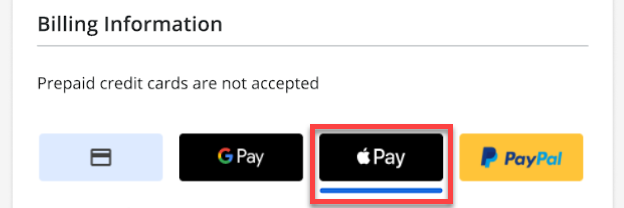
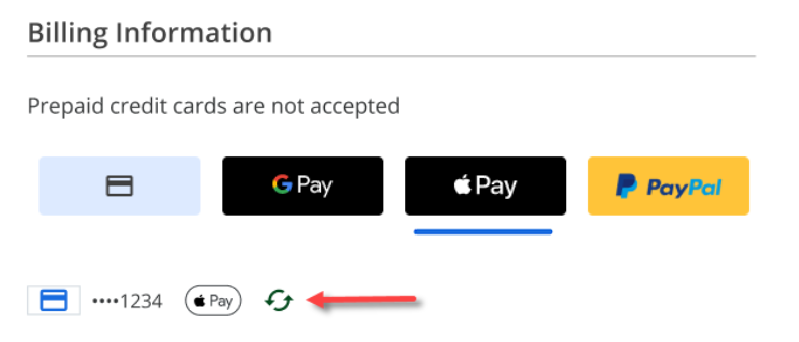
- Scroll down to the Billing Information section, and select Apple Pay as your payment method.
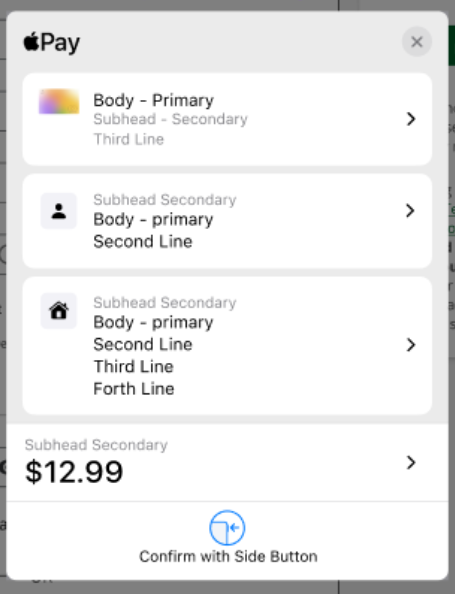
- A pop-up will appear prompting you to confirm your payment with Apple Pay. Confirm the payment using Face ID, Touch ID, or your device passcode, depending on your device.
- Upon authenticating and successfully confirming your Apple Pay details, the Billing Information section will show Apple Pay as the selected payment method.
- Review your Order Summary, then click Submit Payment to complete the payment transaction.
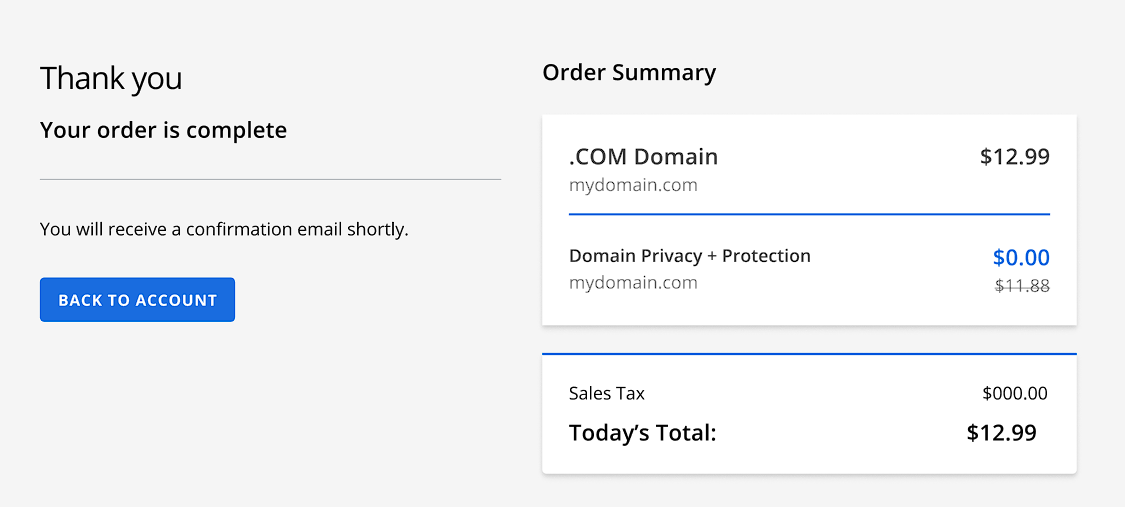
- Your order has been successfully completed. You will receive a confirmation email shortly.
Summary
Bluehost offers Apple Pay as a convenient and safe payment option at checkout. When purchasing a domain, hosting plan, or any other service from Bluehost, you can choose Apple Pay on the Checkout page. You'll need to authenticate with Face ID, Touch ID, or your device passcode to complete your payment transaction quickly and safely. This integration with the Bluehost Portal provides faster payments and a seamless experience for Bluehost customers.
If you need further assistance, Bluehost Chat Support is available 24 hours a day, 7days a week while Bluehost Phone Support is available 7 days a week from 7 am-12 midnight EST.
- Chat Support - While on our website, you should see a CHAT bubble in the bottom right-hand corner of the page. Click anywhere on the bubble to begin a chat session.
- Phone Support -
- US: 888-401-4678
- International: +1 801-765-9400
You may also refer to our Knowledge Base articles to help answer common questions and guide you through various setup, configuration, and troubleshooting steps.