 ChatGPT,
  Claude,
  Gemini,
  Grok — all four for
Purchase a Virtual Dedicated Server with n8n Installation
n8n is an open-source workflow automation platform that helps connect apps, services, and systems to automate repetitive tasks and streamline business processes. Using a visual, node-based interface, each step of a workflow is represented as a node, making it easy to design, manage, and customize automations without extensive coding knowledge.
Whether you're syncing data between applications, automating notifications, or creating complex business workflows, n8n provides a flexible and scalable solution to help improve efficiency and reduce manual work.
This article explains how to purchase a Bluehost Virtual Dedicated Server (VDS) hosting plan and set up and manage it with n8n.
Why Choose n8n
As businesses increasingly depend on multiple applications, keeping processes connected and efficient can be a challenge. n8n simplifies workflow automation by integrating your tools and automating repetitive tasks, helping you save time and reduce errors. Being open-source, it also provides the flexibility and control needed to customize workflows and manage your data with confidence.
Running n8n on a Virtual Dedicated Server (VDS) gives you dedicated resources and greater control over your automation environment. This helps ensure your workflows run smoothly, reliably, and efficiently, even as your business and automation requirements expand.
Uses of n8n
Here are some practical ways you can use n8n in your day-to-day tasks:
- Data Integration: Keep everything up to date by connecting your apps so information flows smoothly between them.
- Task Automation: Let the system handle repetitive tasks like sending emails or updating records for you.
- Notifications: Stay informed with alerts when important events happen.
- ETL Processes: Easily move and organize data across systems to keep everything structured and efficient.
- Workflow Management: Build step-by-step processes with conditions to handle more complex tasks.
Overall, n8n makes it easier to stay organized, work smarter, and focus on more important tasks.
How to Purchase a Virtual Dedicated Server with n8n Installation
n8n can be installed on a Bluehost Virtual Dedicated Server (VDS). You can choose to have n8n installed during the initial VDS purchase or install it manually at a later time.
- In your browser, go to https://www.bluehost.com.
- Click Hosting in the top menu, then select Virtual Dedicated Server.
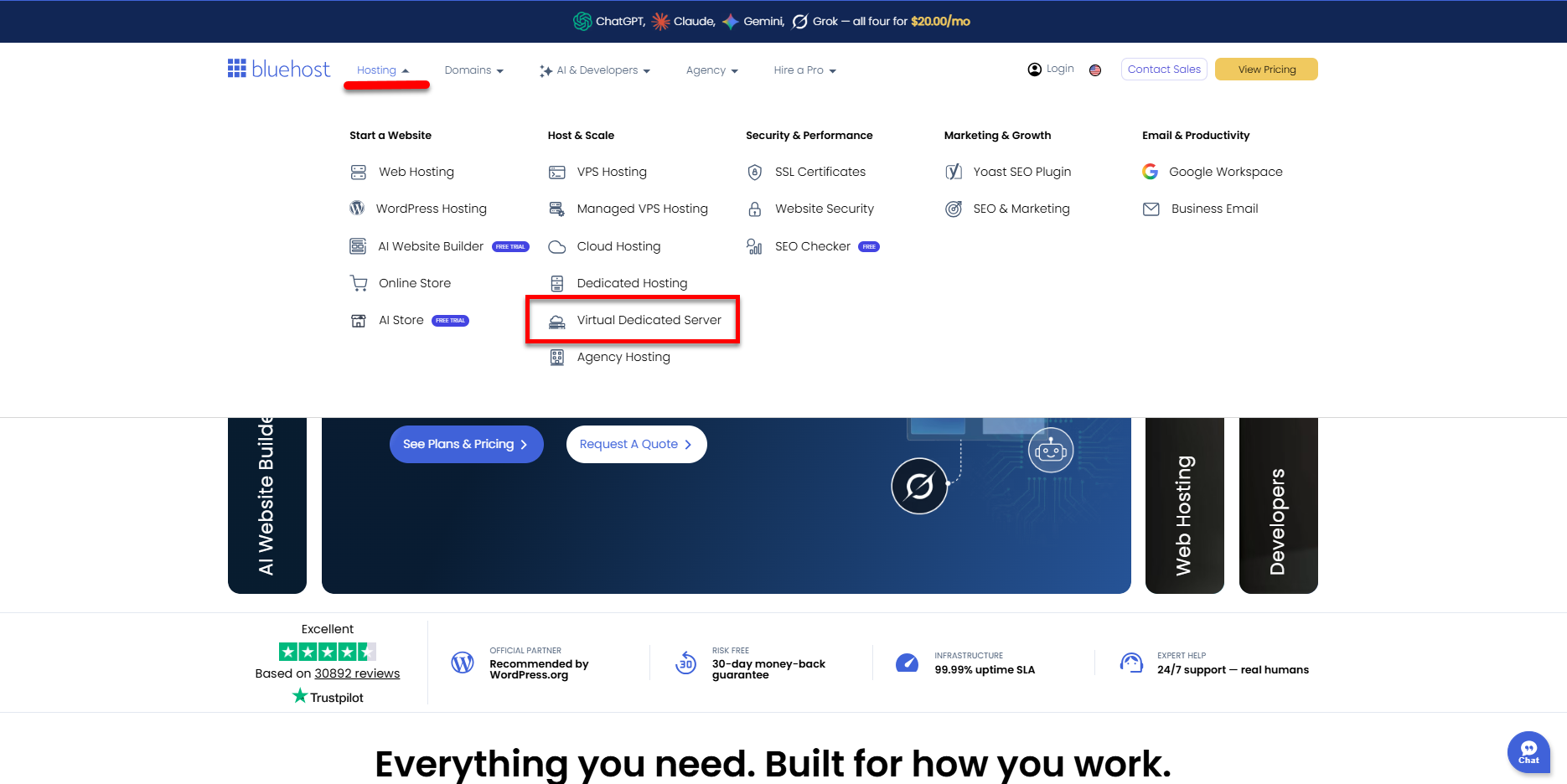
You can also go to this link directly: https://www.bluehost.com/vds-hosting.
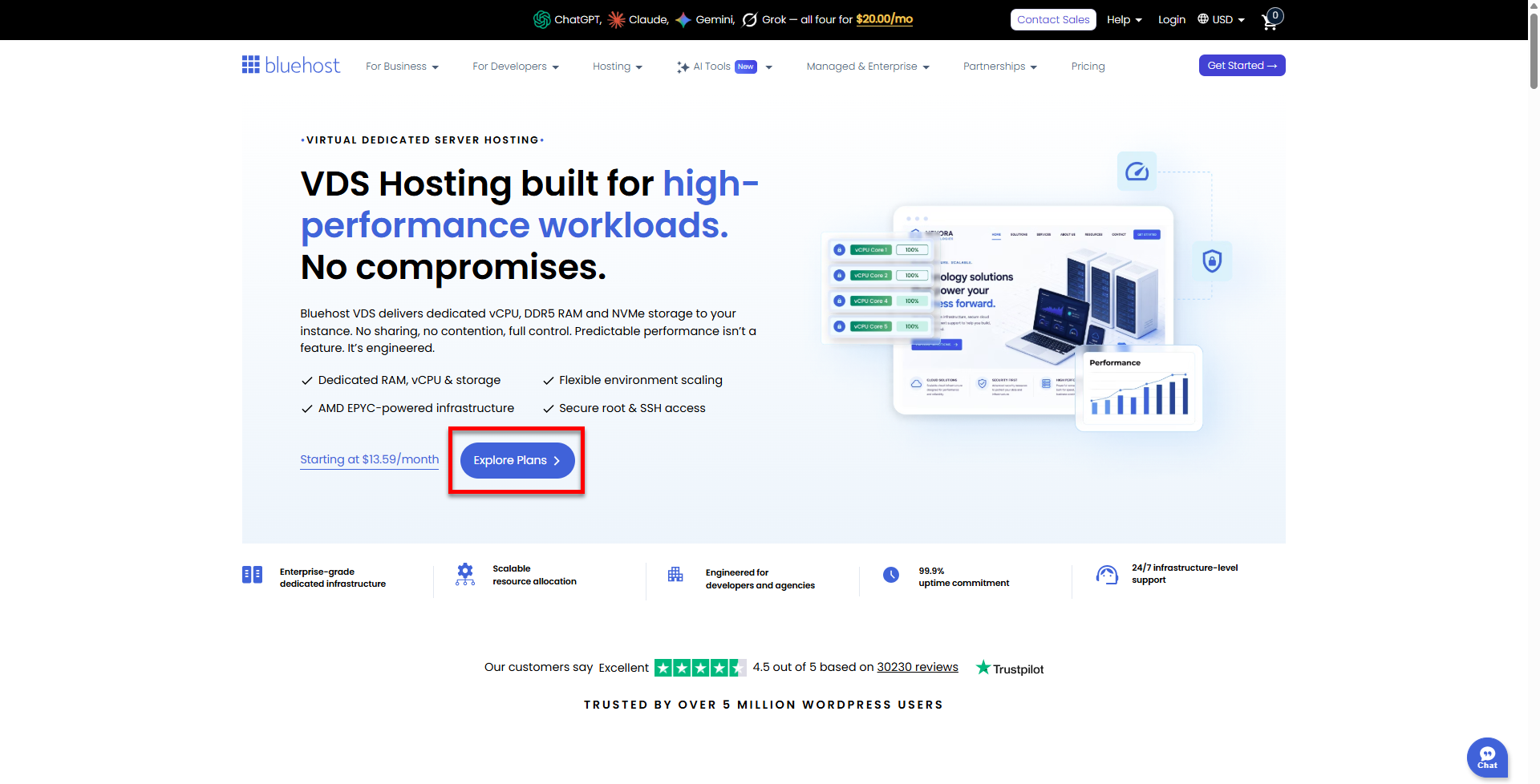
- On the Virtual Dedicated Server Hosting page, click Explore Plans. You can also scroll down to the hosting plans section.
- Choose a plan from either tab — Standard or High Performance — by clicking Choose Plan.
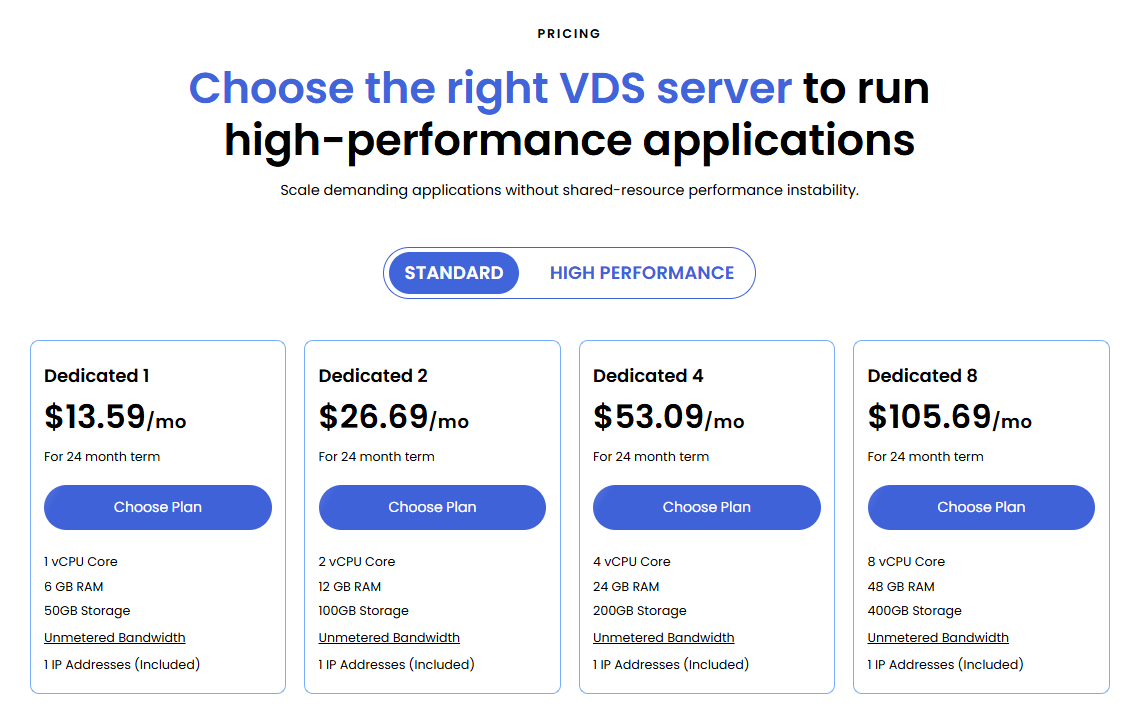
Pricing is subject to change. Please visit https://www.bluehost.com/vds-hosting for the current introductory/sign-up offer for the Bluehost Virtual Dedicated Server hosting. For the most up-to-date renewal pricing, visit your Bluehost Portal's Renewal Center. - On the next page, configure your VDS hosting to meet your requirements. The configuration options are divided into the following sections:
- Location: Select your data center in this section.
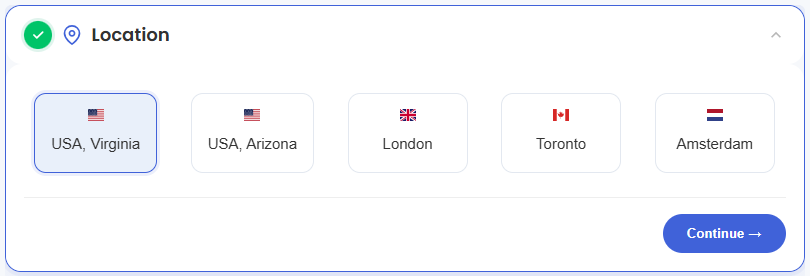
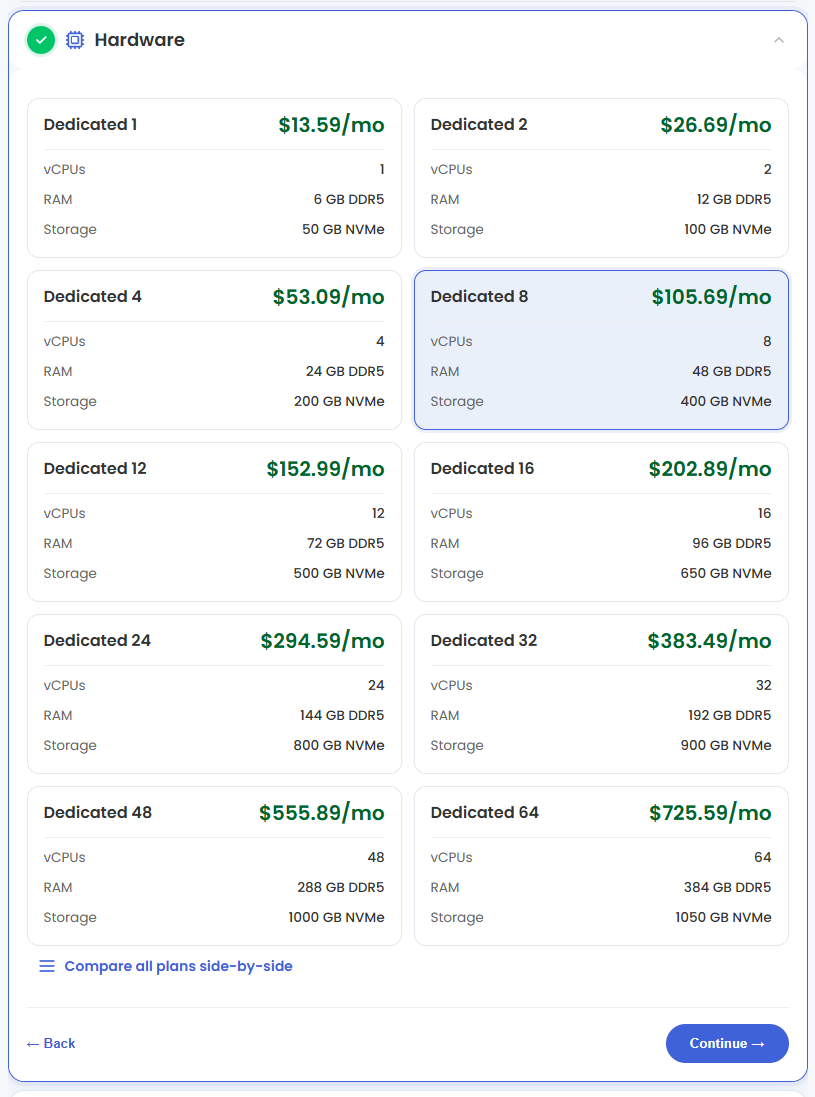
- Hardware: This section shows your pre-selected plan. You can also switch to another Virtual Dedicated Server plan in this section
- Software:
- Under the Application tab, click on n8n.
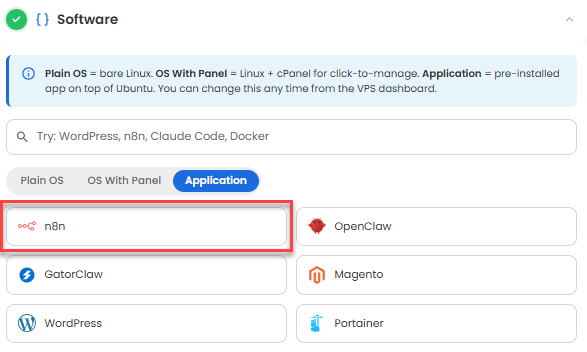
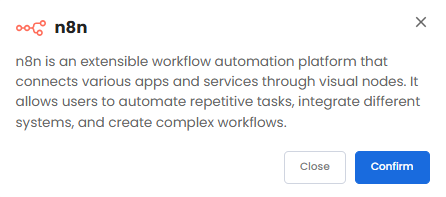
You can install only one application per purchase; the system will automatically select the best operating system for it. - In the pop-up, click Confirm.
- Under the Application tab, click on n8n.
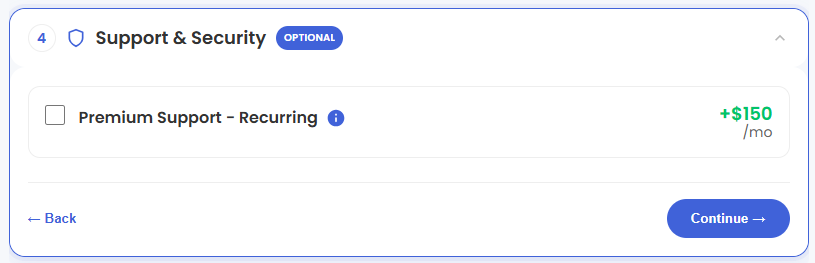
- Support & Security: You can add Premium Support - Recurring, which provides priority access to expert assistance and faster response times.
- Advanced Options:
- Extra IP's: You can add IP addresses for an additional fee. Pricing changes based on how many IPs you add.
- Hostname: Assign a custom hostname to identify your server. This is optional.
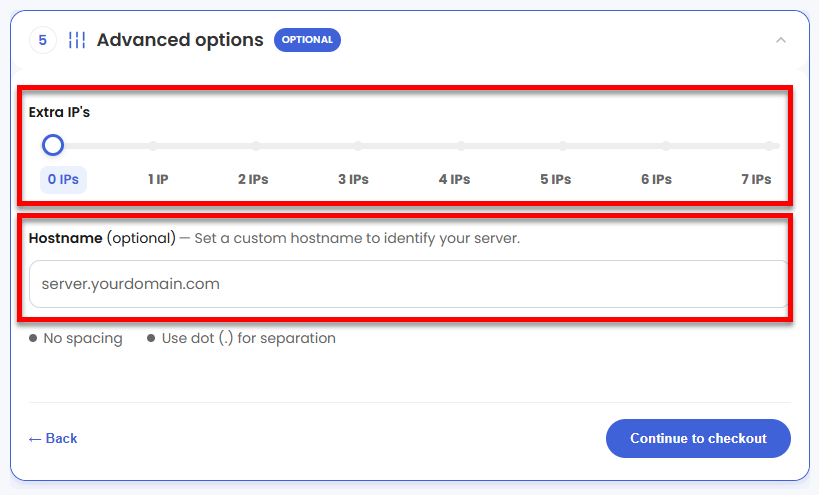
- Location: Select your data center in this section.
- Select your billing term and review your selected items on the right pane, along with the summarized total cost.
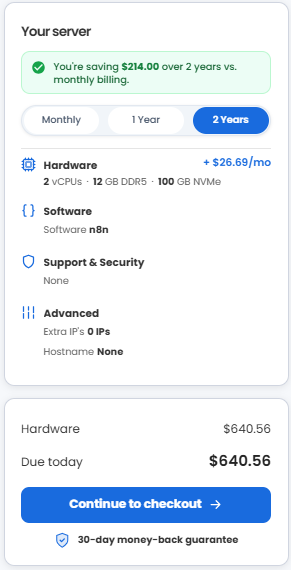
- Click Continue to checkout.
- Do the following on the Checkout page:
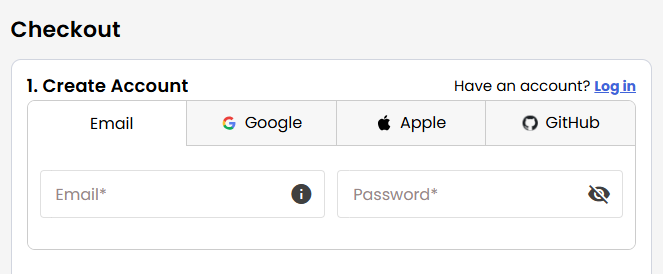
If you're new to Bluehost:- Create your Bluehost account by using your email address or by connecting with your Google, Apple, or GitHub account — whichever you prefer!
- Select your preferred payment method: credit card, Google Pay, or PayPal. Enter your billing information.
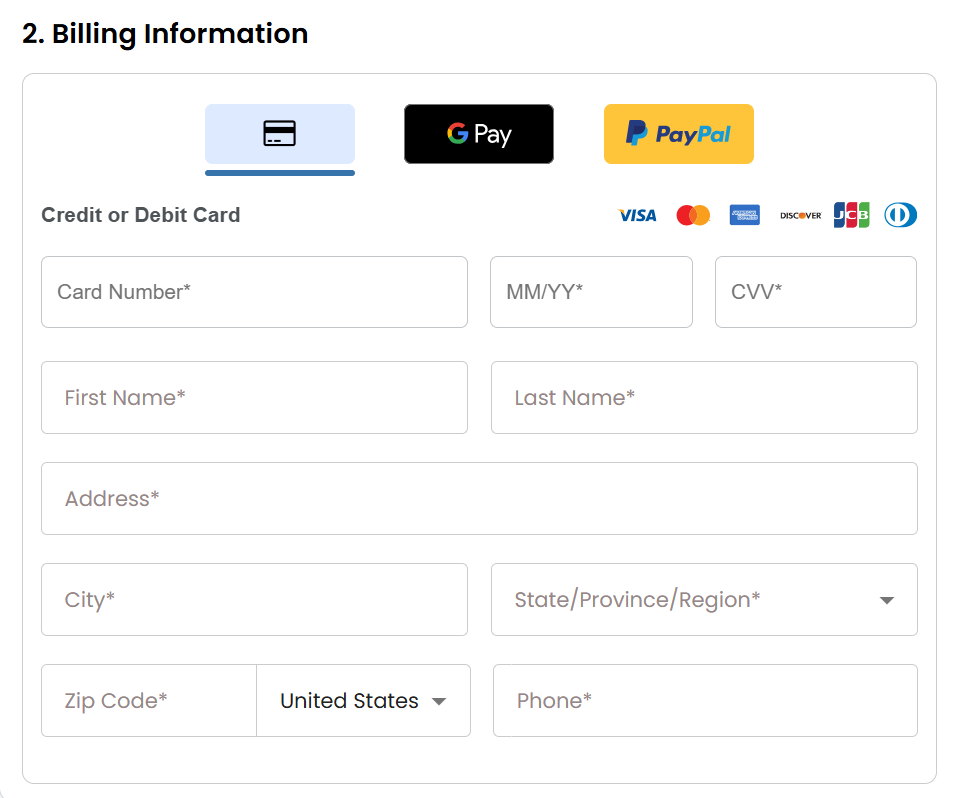
If you have an account with us, you will see your Bluehost login details when you are logged into your Bluehost Portal. If you are not logged in, please click the Log In link.
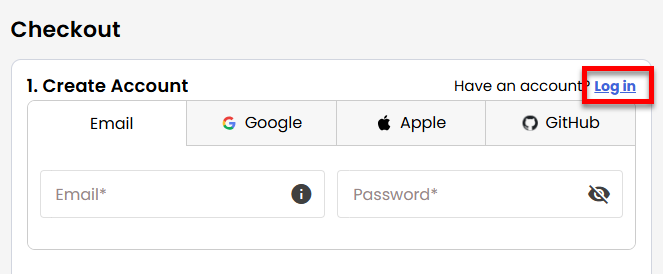
- Create your Bluehost account by using your email address or by connecting with your Google, Apple, or GitHub account — whichever you prefer!
- In the Shopping Cart, choose your billing term if you did not choose one on the previous page.
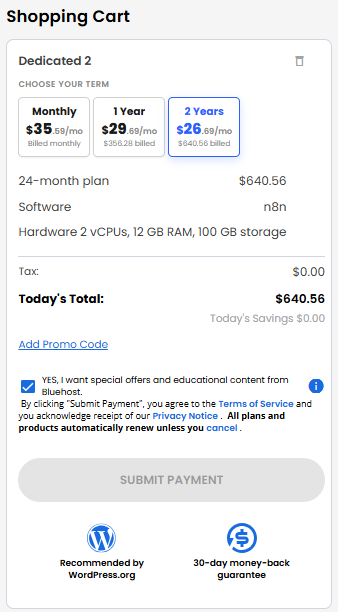
- Add a Promo code if you have one and then click Submit Payment to complete your purchase.
After completing the purchase, your VDS hosting will begin provisioning. You can access and manage your new VDS hosting in the Hosting tab of your Bluehost Portal.
Summary
n8n is a powerful workflow automation platform that helps users connect apps, automate repetitive tasks, and streamline business processes without extensive coding. This guide explains how to purchase Bluehost Virtual Dedicated Server hosting, install n8n, and complete the initial setup. Hosting n8n on Virtual Dedicated Server hosting provides dedicated resources that support reliable performance, enhanced security, and consistent workflow execution. This article also covers essential management tasks, including workflow monitoring, health checks, log management, and service maintenance to help ensure your automation environment runs smoothly.