 ChatGPT,
  Claude,
  Gemini,
  Grok — all four for
 Bluehost Style for cPanel
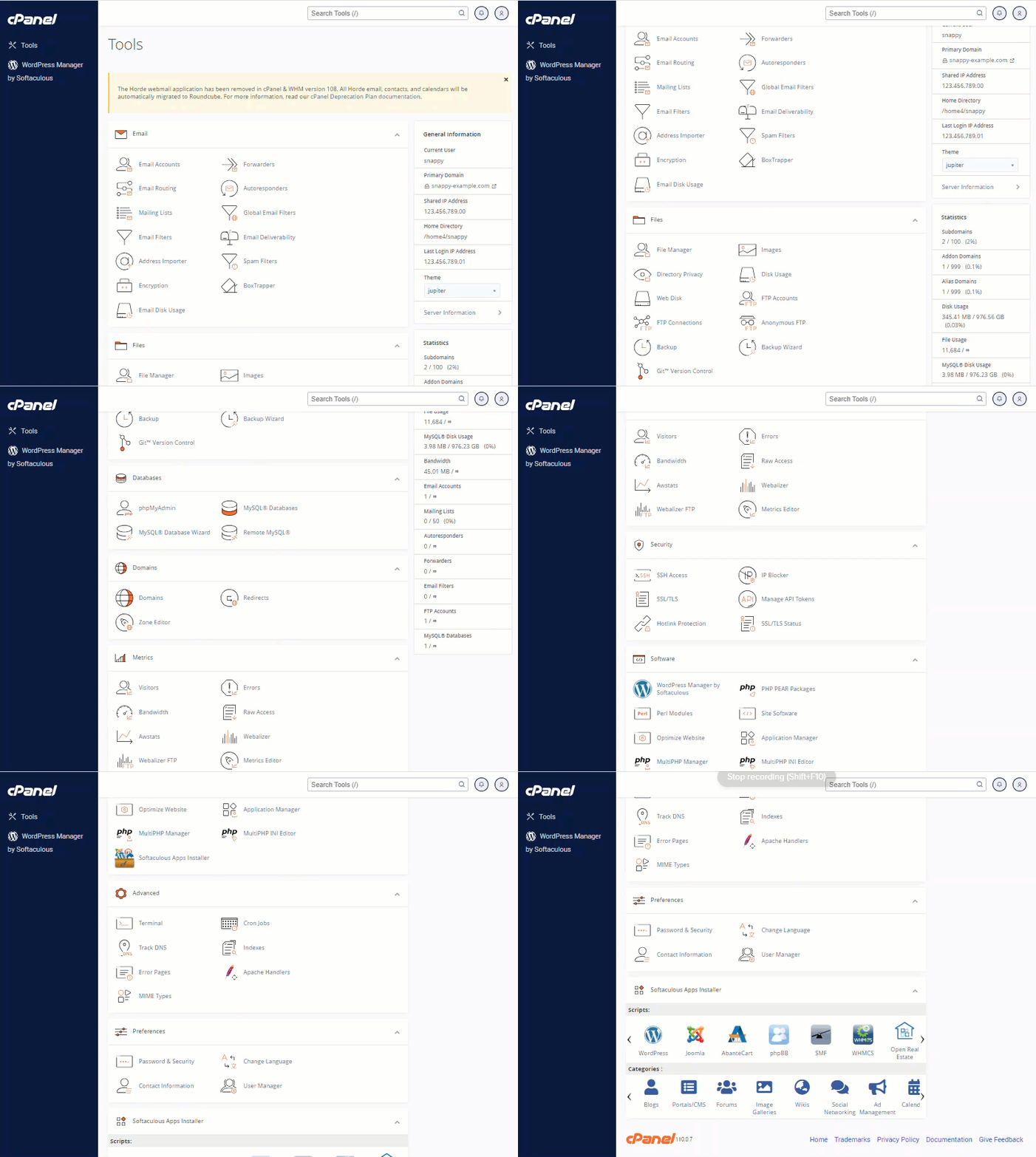
To enhance the overall web hosting experience, certain tools have been relocated or removed from cPanel. The default Bluehost cPanel theme, Jupiter, introduces a refreshed interface that emphasizes clarity and ease of use by organizing features into logical categories.
This updated layout helps first-time users quickly locate essential tools, while still preserving a familiar navigation structure for experienced cPanel users. The result is a cleaner, more intuitive environment without sacrificing functionality.
Below is an example of the Jupiter theme as it appears in the Bluehost cPanel interface.
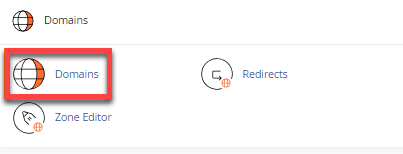
Domains
In the current version of cPanel, domain-related management tasks are centralized under the Domains section. From here, you can add or manage addon domains, subdomains, and domain aliases with ease.
Emails
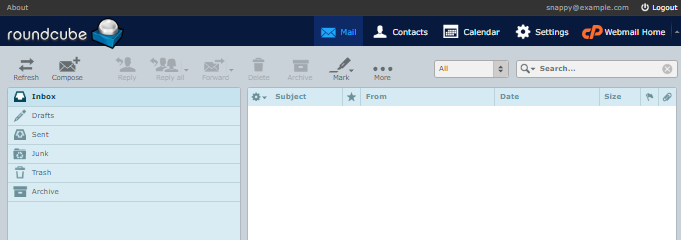
Recent cPanel updates have discontinued the Horde webmail application. However, any existing Horde calendars and contacts are automatically transferred to Roundcube, which remains available as the supported webmail client.
cPanel Features and Recent Updates
The following table highlights some of the notable features and adjustments you may see when using the Jupiter cPanel theme.
| Categories | Features | Recent Update |
|---|---|---|
| General Information |
|
*Jupiter is now set as the default cPanel theme. |
| Emails |
|
**Horde is no longer supported in this cPanel version; Roundcube remains the available webmail option. |
| Files |
|
- |
| Databases |
|
- |
| Domains |
|
***Addon domains, subdomains, and aliases are now created and managed within a single Domains section. |
| Metrics |
|
- |
| Security |
|
- |
| Software |
|
- |
| Advanced |
|
- |
| Preferences |
|
- |
| Softaculous Apps Installer |
|
****A wide selection of scripts and CMS platforms is available, organized into installable categories. |
For additional guidance and step-by-step instructions, you may find the following articles helpful:
For official documentation provided directly by cPanel, please refer to their user guide below:
Summary
- The Jupiter theme modernizes the cPanel interface while keeping navigation familiar.
- Domain, email, and file management tools are now more clearly organized by category.
- Horde webmail has been retired, with Roundcube serving as the supported alternative.
- Addon domains, subdomains, and aliases are managed from a single Domains section.
- cPanel continues to offer extensive tools for security, databases, metrics, and application management.
If you need further assistance, Bluehost Chat Support is available 24 hours a day, 7days a week while Bluehost Phone Support is available 7 days a week from 7 am-12 midnight EST.
- Chat Support - While on our website, you should see a CHAT bubble in the bottom right-hand corner of the page. Click anywhere on the bubble to begin a chat session.
- Phone Support -
- US: 888-401-4678
- International: +1 801-765-9400
You may also refer to our Knowledge Base articles to help answer common questions and guide you through various setup, configuration, and troubleshooting steps.