 ChatGPT,
 Claude,
 Gemini,
 Grok — all four for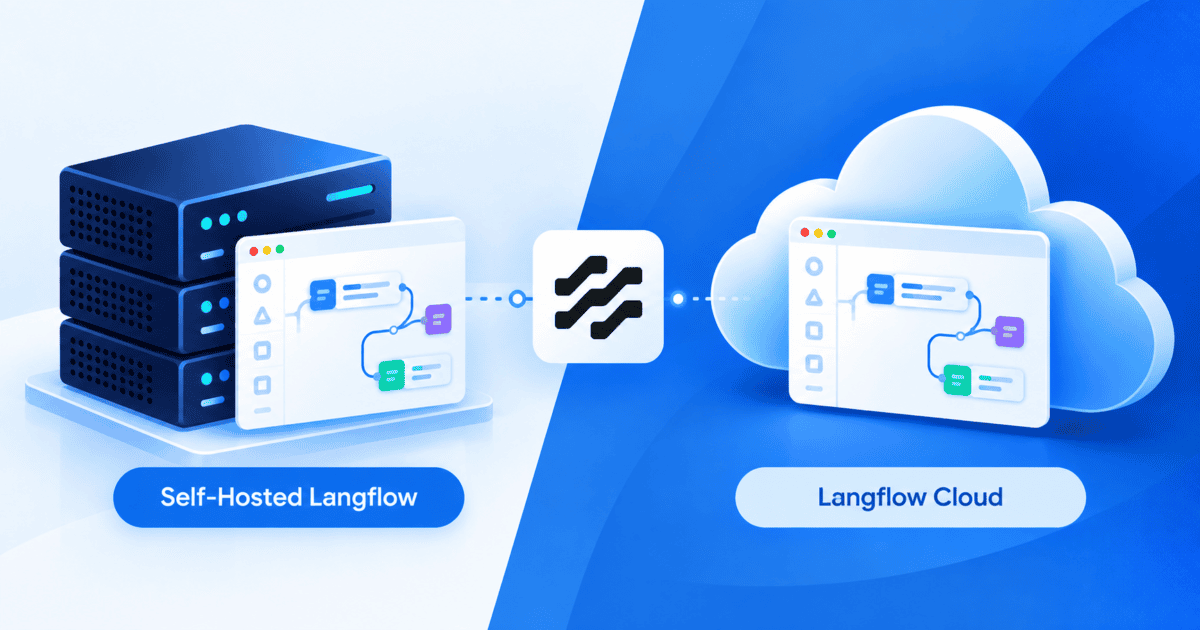
Key highlights
- Move to self-hosted Langflow now that Langflow Cloud was discontinued on April 9, 2026.
- Keep flows, vector data and API keys on infrastructure your team controls.
- Connect local Ollama models and run custom Python components with greater flexibility.
- Keep Langflow APIs and MCP servers available with always-on hosting.
Langflow is an open-source, Python-based visual builder for creating AI applications, including chatbots, RAG pipelines and reasoning agents. Its drag-and-drop canvas connects LLMs, prompts, tools, vector stores and data sources without locking teams into a single model provider or database.
Until April 9, 2026, teams could choose between self-hosting and Langflow Cloud, a managed service built on DataStax Astra DB. Langflow Cloud handled infrastructure, vector storage and scaling, making it useful for rapid prototyping. DataStax discontinued the service on April 9, 2026 and directed users to Langflow OSS.
Today, self-hosting is the supported path for both prototypes and production applications. This guide explains what changed, the benefits of self-hosting and how to choose the right VPS resources.
Quick answer
Langflow Cloud was discontinued on April 9, 2026, so self-hosting is now the supported deployment path for Langflow OSS.
Running Langflow on a VPS gives you more control over flows, vector data, API keys, local models and custom Python components. It also keeps APIs and MCP servers available without relying on a local machine.
What does self-hosting Langflow on a VPS give your team?
Self-hosting Langflow on a VPS solves problems that have nothing to do with the flows themselves:
- Data stays under your control. Flow logic, document embeddings, and API keys stay on infrastructure your team owns instead of passing through a managed service.
- Local LLM integration. Connect open-source models such as Llama or Mistral through Ollama on the same server, avoiding external API charges for those models. Local models need memory on top of Langflow’s own, so size the server for the model you plan to run.
- Custom Python execution. Run custom Python components and install whatever external libraries they need, without a managed platform’s sandbox restrictions.
- Always-on serving. A local machine takes the Langflow API and any MCP server it exposes offline the moment it sleeps, restarts or loses power exactly when a teammate or another application tries to call it. A VPS keeps both reachable around the clock, for every teammate and connected application.
- A persistent runtime. Docker deployment, the path Langflow’s own documentation recommends, needs root access, port control, and persistent volumes, which shared or restricted hosting blocks typically. On a self-managed VPS, flows, custom components, uploaded files, and provider credentials survive restarts instead of needing to be rebuilt each session.
- Predictable hosting costs. Flat-rate monthly server pricing doesn’t rise with flow runs. Hosted LLM API usage is still billed separately by whichever provider you connect.
Self-Hosted Langflow vs. Langflow Cloud: Key cost, privacy and control trade-offs
Langflow Cloud traded control for setup speed. The table below compares how it worked against self-hosting today.
| Feature / Metric | Langflow Cloud (DataStax Astra, discontinued) | Self-Hosted Langflow on Bluehost VPS |
| Architecture | Managed service on DataStax Astra DB | Private VPS instance running Docker or Python |
| Data Privacy | Flows and API keys passed through the managed service | Flows and API keys stay on a VPS you control |
| Local LLMs | Could not reach models on your localhost or private network | Can connect to local Ollama models |
| Python Execution | Limited to what the managed platform allowed | Custom Python components and libraries |
| Always-On Serving | Managed scaling handled by DataStax | Langflow API and MCP server stay reachable 24/7, independent of any single machine |
| Pricing | Discontinued (shut down April 9, 2026) | Starts at $4.18/mo on the NVMe 4 plan (24-month term); scales to NVMe 8 or NVMe 16 for heavier workloads |
| Best Fit Today | No longer available | Prototypes and production AI apps |
For deployment steps, see our Langflow VPS installation guide.
Which Langflow deployment option should you choose?
Langflow Cloud is no longer available, so self-hosting Langflow OSS is now the supported path for both prototypes and production.
A VPS suits production AI apps, data governance requirements and RAG workloads. It is a strong fit if you process sensitive customer data, want local Ollama models or run custom Python code. You are also responsible for securing, updating and backing up the server. Fixed server pricing makes hosting costs easier to plan.
Why choose Bluehost for self-hosting Langflow?
Bluehost NVMe VPS plans combine hardware sized for Langflow’s own workloads with full root access for self-hosting.
- Right-sized resources. Start with NVMe 4 at 2 vCPU, 4 GB DDR5 RAM and 100 GB NVMe, then scale to NVMe 8 or NVMe 16 as workloads grow.
- Benchmark-backed value. Bluehost NVMe 4 ranked #2 for Best Value VPS among 26 plans tested by VPSBenchmarks in May 2026.
- Fast NVMe storage. High-speed storage supports RAG workflows, embeddings and vector retrieval.
- Full Docker and root access. Install Langflow with the ports, libraries and persistent volumes your setup needs.
- KVM virtualization. Dedicated virtual resources support more consistent CPU and memory performance.
- Persistent storage. Keep flows, files, components and credentials available across reboots.
- Reliable infrastructure. Includes unmetered bandwidth, DDoS protection, free SSL and a 99.99% uptime SLA.
Together, these features give teams a flexible foundation to deploy Langflow now and scale resources as workloads grow.
Choose self-hosted Langflow for your AI workloads?
Langflow Cloud is no longer available, so self-hosting Langflow OSS is the path for both prototypes and production workloads today.
A VPS is a strong fit for production AI apps, RAG workloads, local Ollama models and custom Python components. It also keeps your Langflow API and MCP server available around the clock instead of relying on a local machine. With self-hosting, your team is responsible for server security, updates and backups.
Ready to get started? Explore Bluehost Langflow VPS Hosting.
FAQs
Not anymore. DataStax removed Langflow Cloud on 9 April 2026. If you exported flow JSON files before then, you can import them into a self-hosted Langflow instance.
No. Langflow Cloud ran on DataStax infrastructure and could not reach models on your localhost or private network. A self-hosted Langflow instance can connect to Ollama running on the same server.
Bluehost Langflow requires a minimum of 2 vCPUs, 4 GB RAM and 20 GB disk space. For better performance, 4 vCPUs, 8 GB RAM and 30 GB disk space are recommended. Avoid choosing a server that only meets the minimum requirements.
Langflow Cloud routed flow data and API keys through DataStax Astra DB infrastructure until it shut down on 9 April 2026. Self-hosting on a VPS keeps flows, document vectors and secrets on a server you control. You are responsible for securing that server.
Langflow Cloud has no current pricing because DataStax shut it down on 9 April 2026. Self-hosting costs a flat monthly server fee plus any hosted LLM API usage. You also spend time maintaining the server.

Write A Comment