 ChatGPT,
 Claude,
 Gemini,
 Grok — all four for
Key highlights
- Learn what a virtual receptionist service actually does and how it differs from a live answering service or an in house receptionist.
- Understand how AI receptionists work behind the scenes, from answering calls to booking appointments and routing complex requests.
- Explore the must have features to compare across providers so you don’t overpay for tools you won’t use.
- Uncover the questions to ask before signing up, including call volume, compliance needs and budget, so you avoid a mismatched plan.
- Know which option fits small businesses best and how to test a service before committing long term.
Missed calls are one of the quietest ways a business loses money. A customer calls, nobody picks up, and they simply call the next business on the list. No complaint, no follow up email, just a lead that disappears.
A virtual receptionist service solves this by making sure every call, text or chat gets answered, whether it is 2pm or 2am. But with dozens of providers on the market, from fully automated AI tools to human led call centers, picking the right one is not as simple as picking the cheapest plan.
This guide walks through exactly how to evaluate a virtual receptionist service, what features actually matter and how to match a provider to your business size, budget and industry.
What is a virtual receptionist service?
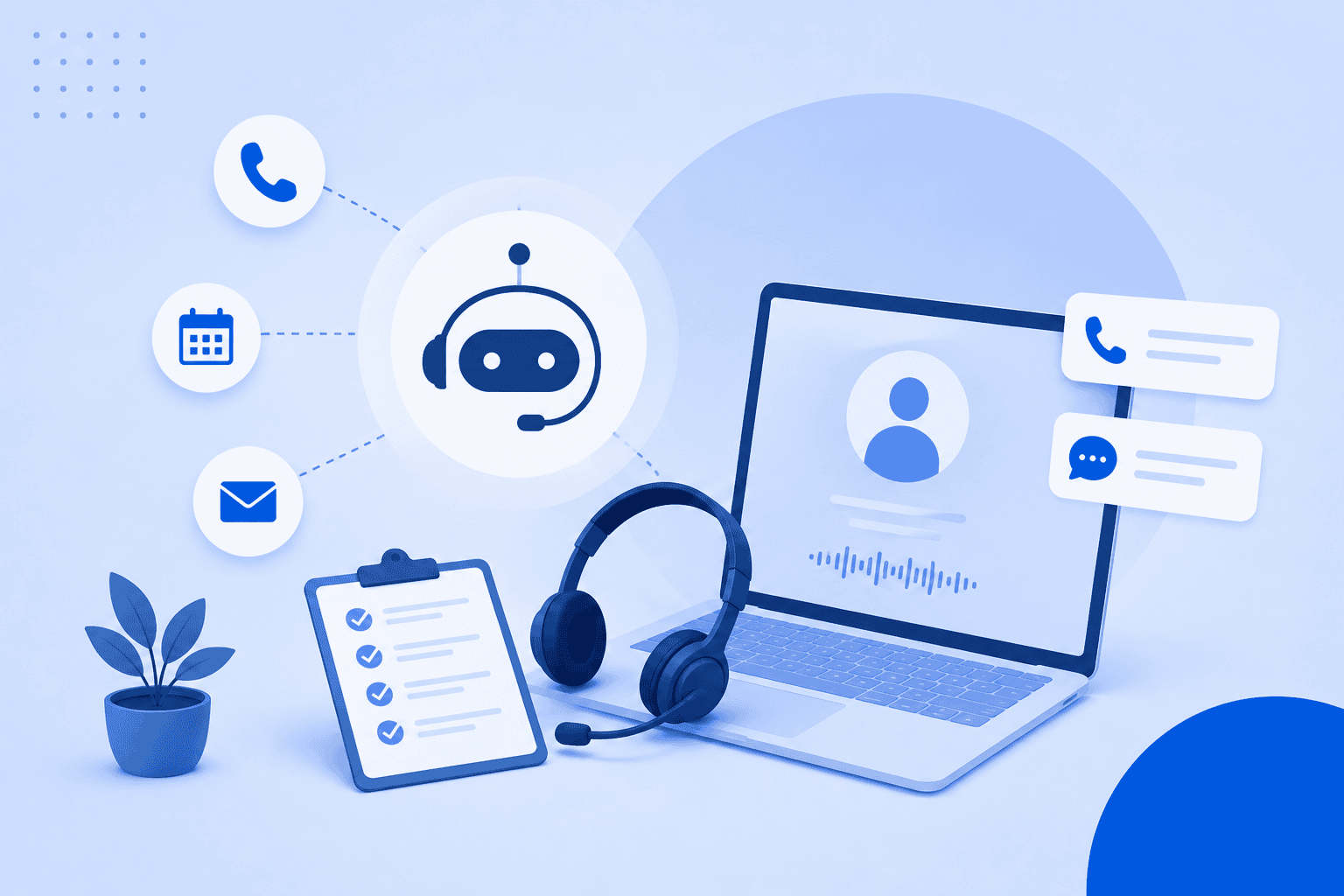
A virtual receptionist service is a remote system, human or AI powered, that answers calls and messages on behalf of your business. It handles the tasks a front desk employee would normally do: greeting callers, answering common questions, taking messages, booking appointments and routing urgent calls to the right person.
Some services use live human agents working remotely. Others use AI voice agents that hold natural sounding conversations without a person on the line. Many providers now offer a hybrid model, where AI handles routine calls and a human steps in for anything complex.
In short: a virtual receptionist service is any remote system, human or AI, that answers, routes and manages your business calls so nothing falls through the cracks.
How does a virtual receptionist work?
Regardless of whether it is AI powered or staffed by a live agent, most virtual receptionist services follow the same basic flow.
- A call, text or web chat comes in and is answered immediately, with no hold time.
- The receptionist greets the caller and answers routine questions using a script or knowledge base.
- It captures caller details, qualifies the lead or books an appointment directly on the calendar.
- If the request is urgent or too complex to handle, the call is routed or transferred to a live staff member.
- A summary, transcript or recording is logged and sent to the business owner, usually by email or SMS.
Here is how that plays out across the three most common receptionist models.
| Factor | Traditional in house receptionist | AI receptionist | Live virtual receptionist |
| Availability | Business hours only | 24/7 | Usually 24/7, some limit hours |
| Cost | Salary plus benefits | Usually per minute or flat monthly fee | Per minute or per call, generally higher |
| Scalability | Limited, one person at a time | Handles unlimited simultaneous calls | Limited by agent headcount |
| Consistency | Varies by person and mood | Consistent script and tone every time | Generally consistent, small variation by agent |
| Setup time | Weeks of hiring and training | Minutes to hours | Days for onboarding and script approval |
AI receptionist vs virtual receptionist vs live answering service
These three terms get used interchangeably, but they are not the same thing. Understanding the difference helps you search for and compare the right kind of provider.
| Model | What it is | Best for |
| AI receptionist | Fully automated voice or chat agent that answers, qualifies and books without a human on the line | Small businesses with steady call volume and routine questions |
| Live virtual receptionist | Remote human agents answering on behalf of your business | Businesses that need a personal touch or handle sensitive conversations |
| Hybrid answering service | AI handles routine calls, humans step in for complex or emotional ones | Growing businesses that want automation with a safety net |
Pros and cons at a glance:
- AI receptionist: Lower cost, always available, instant scaling. Can struggle with highly nuanced or emotional conversations.
- Live virtual receptionist: Handles nuance and empathy well. Higher cost per minute and limited by agent availability during spikes.
- Hybrid: Balances cost and personal touch. Slightly more setup since you need to define when a call should escalate to a human.
If your business gets mostly routine questions like hours, pricing or appointment requests, an AI receptionist alone is usually enough. If your calls often involve sensitive topics such as legal intake or medical concerns, a hybrid model is worth the extra cost.
Also read: Best AI Appointment Scheduler for Businesses in 2026: Compare Top Tools
What features should you look in a virtual receptionist?
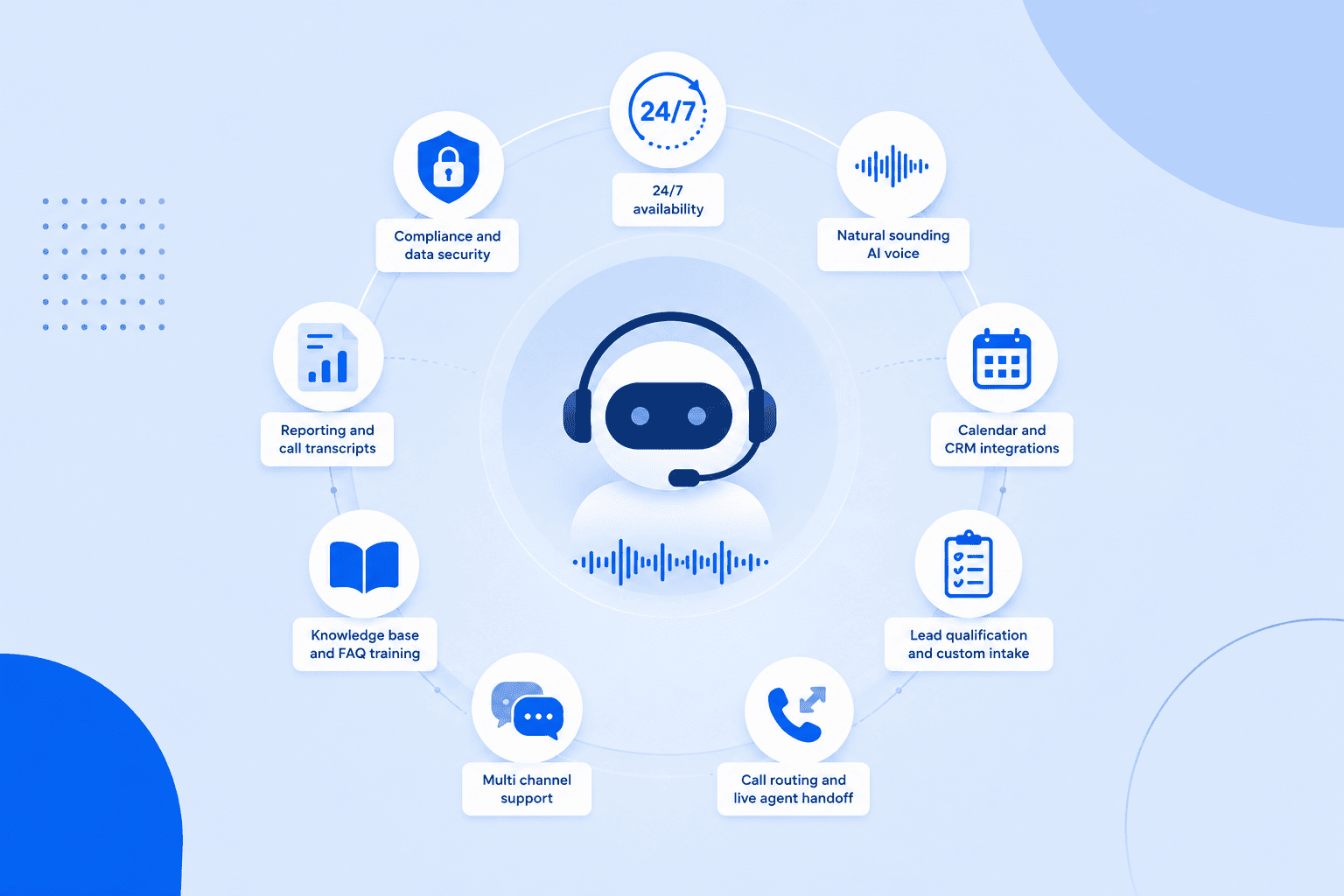
Not every provider offers the same feature set, and you do not need all of them. Use this list to figure out which features matter for your specific business.
- 24/7 availability Make sure the service actually covers nights, weekends and holidays, not just extended business hours. This is where most missed calls happen.
- Natural sounding AI voice If you are considering an AI option, listen to a sample call. A robotic or laggy voice can hurt the caller experience more than no answer at all.
- Calendar and CRM integrations Look for direct sync with Google Calendar. This avoids double booking and manual data entry.
- Lead qualification and custom intake questions A good receptionist should be able to ask specific questions you set, such as budget, service needed or urgency, before passing the lead along.
- Call routing and live agent handoff Even AI only tools should have a clear path to forward urgent or complex calls to a real person.
- Multi channel support Some providers only handle phone calls. Others also manage text messages and web chat, which matters if customers reach you across multiple channels.
- Knowledge base and FAQ training The receptionist should be able to answer questions specific to your business, not just generic scripts.
- Reporting and call transcripts You should be able to review what was said on every call, either through a transcript or recording, to catch issues early.
- Compliance and data security If you work in healthcare, legal or finance, confirm the provider supports HIPAA or relevant data handling standards.
Feature checklist
| Feature | Why it matters | Must have for most businesses |
| 24/7 availability | Covers after hours calls | Yes |
| Calendar sync | Prevents double booking | Yes |
| Lead qualification | Filters serious inquiries | Yes |
| Multi channel support | Covers calls, text and chat | Depends on business |
| Live agent handoff | Handles complex calls | Yes |
| Compliance support | Required for regulated industries | Depends on industry |
| Custom knowledge base | Accurate, brand specific answers | Yes |
| Reporting and transcripts | Quality control | Yes |
How do top virtual receptionist providers compare?
The market generally splits into three pricing models: pay per minute AI tools, tiered plans for human agents and hybrid bundles that combine both. Here is a neutral snapshot of how providers commonly position themselves.
| Provider type | Model | Starting price range | Best for | Key differentiator |
| AI focused platforms | Pay per minute or flat AI plan | $15 to $30 per month plus per minute fees | Businesses wanting low cost automation | Fast setup, usage based pricing |
| Live agent services | Tiered monthly plans by minutes | $175 to $400 per month | Businesses needing a personal touch | US based agents, empathy driven scripts |
| Hybrid platforms | AI plus human escalation | $100 to $800 per month depending on volume | Growing businesses balancing cost and quality | AI handles routine calls, humans handle the rest |
| All in one business platforms | Bundled with hosting, website or CRM tools | Varies, often included in existing plans | Small businesses that want one vendor for everything | No separate tool to manage |
Most providers charge either by the minute, by the number of calls or with a flat monthly fee that includes a set number of minutes. Overage charges can add up quickly, so always check what happens once you exceed your plan.
Also read: How Much Does a Chatbot Cost? AI Chatbot Pricing in 2026
How to choose the best virtual receptionist service for your business?
Once you understand the models and features, choosing the right one comes down to a short list of practical questions.
How many calls or messages do you get monthly? Low volume businesses may do fine with a basic AI plan. High volume businesses should compare per minute rates carefully, since costs scale fast.
Do you need 24/7 coverage or just after hours support? Some businesses only need coverage outside 9 to 5. Paying for full 24/7 service when you do not need it adds unnecessary cost.
Do you need appointment booking with calendar sync? If bookings are central to your business, like a salon, clinic or consultant, this should be a non negotiable feature.
Is your business regulated? Healthcare, legal and financial businesses need providers that meet compliance requirements such as HIPAA.
What is your budget: per minute or flat fee? Per minute pricing works well for low, predictable volume. Flat fee or bundled pricing is usually better once call volume grows.
Do you want AI only, human only or hybrid? Match this to how sensitive or complex your typical calls are, not just to cost.
Red flags to watch for:
- Hidden per minute overage fees not disclosed upfront
- No free trial or demo period
- No option to escalate to a live person when needed
- Limited or no integration with your existing calendar or CRM
- Vague answers about data security when asked directly
Best virtual receptionist for small business: Bluehost AI receptionist
Small businesses feel the cost of a missed call more than larger companies do. There is no backup receptionist, no overflow team and often no time to call every lead back personally. A virtual receptionist closes that gap without requiring a new hire.
Bluehost AI Receptionist is built specifically for this. It works as a 24/7 virtual receptionist trained on your own business content, so answers reflect your actual services, pricing and policies instead of generic scripts.
What it includes:
- Natural, human sounding voice conversations, not a robotic script reader
- Direct two way sync with Google Calendar and Outlook for real time appointment booking
- Lead qualification using custom intake questions specific to your business
- Instant SMS confirmations and post call email summaries
- Live staff call forwarding for urgent or complex inquiries
- Integration with the broader Bluehost ecosystem, including your website and hosting, so you are not managing a separate vendor
Why it fits small businesses specifically:
- Setup takes about 10 minutes to connect your calendar and upload FAQs
- Pricing is built for small business budgets, not enterprise call centers
- One platform covers your website, hosting and receptionist instead of stitching together multiple tools
If you already host your site or run your business through Bluehost, adding Bluehost AI receptionist means one less vendor to manage and one less login to remember.
See how Bluehost AI receptionist works.
Final thoughts
There is no single best virtual receptionist service for every business. The right choice depends on your call volume, budget, industry and how much of the conversation you are comfortable automating.
Start by mapping your actual needs against the checklist in this guide, then test a couple of providers with a free trial before committing to a long term plan.
If you want a receptionist that is trained on your business, syncs with your calendar and does not require a separate vendor, Bluehost AI receptionist is worth a closer look.
FAQs
Pricing typically ranges from $15 to $30 per month for basic AI plans plus per minute usage fees, up to $300 to $800 per month for higher volume human or hybrid plans. Cost depends on call volume, whether the service is AI or human led and how many features are included.
A virtual receptionist service is a remote system, human or AI powered, that answers calls and messages for your business, handles routine questions, books appointments and routes urgent requests to a live person when needed.
Some providers offer a free trial period or a limited number of free minutes per month rather than a fully free plan. These trials are useful for testing call quality and features before committing to a paid tier.
Fully free virtual answering services are rare, since live agents and AI infrastructure both carry ongoing costs. Most providers offer a free trial instead, typically ranging from 7 to 14 days or a set number of free minutes.

Write A Comment