 ChatGPT,
 Claude,
 Gemini,
 Grok — all four for
Key highlights
- Know what shared hosting resource limits mean and why hosting providers use them.
- Learn which hosting resources matter most for your website type and activity.
- Understand the differences between storage, inodes, bandwidth and overall website capacity.
- Uncover which website activities place the greatest pressure on hosting resources.
- Explore why it is important to choose hosting that supports your current workload and future growth.
Shared hosting gives multiple websites access to the resources of one server. To keep that environment stable, hosting providers place limits on how much CPU, memory, storage and processing capacity each account can use.
However, not every resource limit affects every website in the same way.
A portfolio site may care most about storage and bandwidth. An online store may depend more heavily on CPU, RAM, disk I/O and PHP workers. Even a low-traffic site can use significant resources when plugins, backups or database tasks run in the background.
Here, you’ll find shared hosting resource limits explained in a practical way. Also, you’ll learn what each limit controls, which website activities consume it and which limits matter most for your site.
Quick overview: Which shared hosting resource limits matter most?
Shared hosting limits vary across providers, plans and server configurations. The figures below represent common measurements and general industry configurations. Use the table to understand what each resource controls before reviewing your website’s specific needs.
| Resource | Typical limit or measurement | What it affects | Matters most for |
| CPU | Often measured as 100% to 200% of one CPU core | Scripts, dynamic pages, plugins and database requests | Stores, membership sites and plugin-heavy websites |
| RAM | Often measured in MB or GB, with 1 GB to 2 GB common in shared environments | Active processes and simultaneous requests | Dynamic sites and websites with concurrent activity |
| Disk I/O | Often measured in MB/s, with limits varying by account tier | Reading and writing files and database data | Stores, backups and database-heavy websites |
| Entry processes | Often measured as 20 to 40 simultaneous entries | Concurrent dynamic requests, cron jobs and server processes | Sites with forms, search, login or checkout |
| PHP workers | A fixed pool, usually based on the hosting plan | Dynamic PHP requests that require server processing | WordPress sites, stores and membership platforms |
| Storage | Usually measured in GB | Website files, media, email, databases and backups | Media-heavy and growing websites |
| Inodes | A fixed count of files and folders | File creation, cache storage, email and backups | Sites with many plugins, images, mailboxes or staging copies |
| Bandwidth | Measured in GB, TB or offered as unmetered transfer | Data delivered from the server to visitors | High-traffic and media-rich websites |
| Databases | Measured by database size, count or connections | Content retrieval, searches, user data and transactions | Stores, directories and membership websites |
A high allowance in one category does not remove limits in another. For example, a site may have enough storage but still experience pressure from CPU usage, simultaneous PHP requests or disk activity. Let’s understand what exactly resource limits are and which one is important for your website.
What are shared hosting resource limits and which one matter for your site?
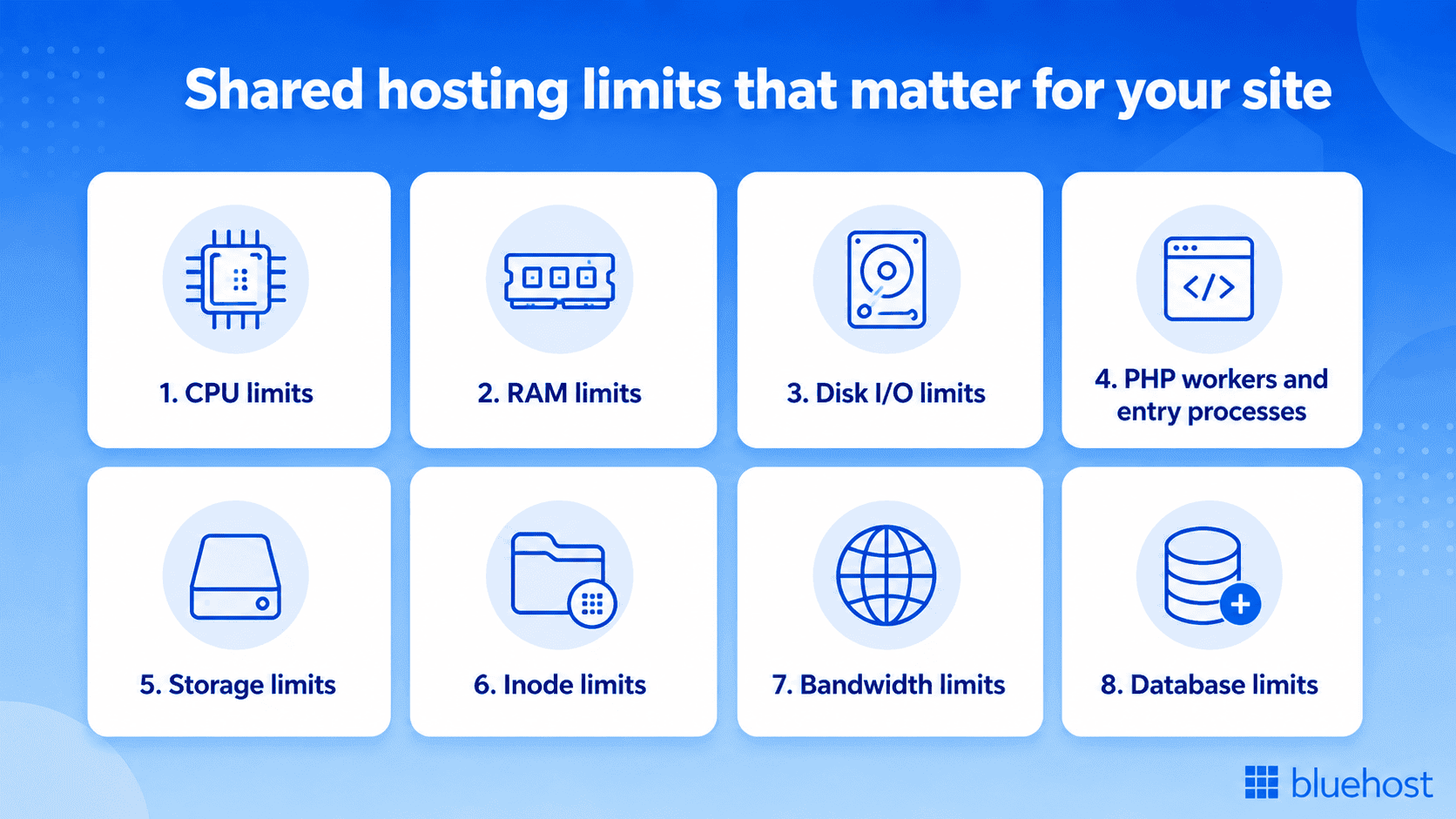
Shared hosting resource limits are the usage caps a hosting provider sets to ensure every website on a shared server gets a fair share of server resources. While all limits play a role, CPU, RAM, storage, bandwidth, inodes, and concurrent processes are the most important because they have the biggest impact on your site’s performance, uptime, and growth potential.
Below, you’ll learn what each limit controls, how it affects your website’s performance and which types of sites should pay the closest attention to it.
1. CPU limits
The CPU handles the instructions generated by your website. It supports PHP scripts, plugin functions, database requests, forms, searches and dynamically generated pages.
Cached pages usually require less processing because the server can deliver a prepared version. Dynamic pages, however, may need fresh processing every time a visitor submits a form, runs a search or accesses personalized content.
This means a website can use significant CPU even with modest traffic. Repeated plugin tasks, inefficient scripts and slow database queries may create more processing demand than the visitor count suggests.
CPU matters most for: Online stores, membership websites, booking platforms and sites with complex plugins or dynamic features.
2. RAM limits
RAM provides temporary memory for website processes that are actively running. It helps the hosting account manage scripts, applications, database operations and multiple requests at the same time.
Memory usage can rise when several visitors access dynamic pages simultaneously. Imports, image processing, security scans and resource-intensive plugins may also require additional RAM while they run.
Unlike storage, RAM does not hold files permanently. Storage keeps website data, while RAM supports the work happening at that moment.
RAM matters most for: Websites with concurrent visitors, complex applications, large imports and memory-intensive themes or plugins.
3. Disk I/O limits
Disk input and output determines how quickly the hosting account can read and write data. It affects website files, database records, uploads, logs, backups and other tasks that interact with stored data.
A site may have plenty of storage available but still experience slower activity if it reaches its disk I/O allowance. Large imports, frequent backups and repeated database operations can all increase read-and-write demand.
When disk I/O becomes constrained, pages and background tasks may take longer because the server cannot access or update data as quickly.
Disk I/O matters most for: Database-heavy websites, online stores, media processing and sites running regular backups or imports.
4. PHP workers and entry processes
PHP workers process dynamic PHP requests. Each worker generally handles one request at a time before becoming available for the next one.
Cached pages may not require PHP processing, but login pages, search results, account areas, carts and checkout pages usually do. If several visitors access these dynamic areas at once, available PHP workers can become busy.
Entry processes measure the number of requests or processes entering the hosting account simultaneously. These may include dynamic web requests, scheduled tasks and other server activity.
A website can handle thousands of monthly visits without pressure when activity is spread evenly. A short burst of logins, searches or transactions may create more demand than the same traffic distributed across several days.
PHP workers and entry processes matter most for: Stores, membership sites, booking systems and websites with logins, forms, search tools or checkout activity.
5. Storage limits
Storage determines how much data the hosting account can hold. This may include website files, images, databases, email, backups and staging copies.
A simple website may use little space at first, but storage requirements often grow over time. Publishing more media, retaining backups, creating staging environments and storing email can gradually increase usage.
Storage technology also affects how quickly data can be accessed. NVMe storage can provide faster data access than older storage types, although overall website performance still depends on CPU, RAM, caching and other resources.
Storage matters most for: Media-rich websites, large content archives, multiple websites and accounts storing email or local backups.
6. Inode limits
An inode represents a file or folder within the hosting account. The inode limit controls how many individual files and directories the account can store.
Storage and inodes measure different things. A few large videos may use considerable storage but only a small number of inodes. Thousands of cache files may use little storage while consuming a large share of the inode allowance.
Plugins, themes, image variations, email messages, logs, cache files and backup copies can all increase inode usage. This is why a site may reach its file-count limit before using all its storage space.
Inodes matter most for: WordPress sites, email-heavy accounts and websites with many plugins, images, cache files or backup copies.
7. Bandwidth limits
Bandwidth in web hosting measures the amount of data transferred from the hosting account to visitors. Every page view, image, download and self-hosted media file contributes to bandwidth usage.
Larger pages transfer more data with each visit, so high-resolution images, videos and downloadable files can increase usage quickly. A content delivery network can reduce demand on the origin server by serving cached assets from distributed locations.
Unmetered bandwidth usually means there is no fixed monthly data-transfer allowance. It does not mean CPU, RAM, storage or other resources are unlimited.
Bandwidth matters most for: High-traffic websites, image-heavy blogs and sites offering videos, software or downloadable files.
8. Database limits
Databases store website content, user records, product information, orders, settings and form submissions. Hosting environments may limit database size, the number of databases or simultaneous connections.
Searches, filters, carts, dashboards and personalized pages rely on database activity. Slow or repeated queries can increase CPU, RAM and disk I/O usage because the server must retrieve and process more information.
Database demand therefore affects several resources at once. A growing database may require more storage, while active searches and transactions increase processing and disk activity.
Database limits matter most for: Online stores, directories, membership platforms and websites with frequent searches or real-time updates.
No single limit determines whether shared hosting is suitable for a website. The most important resources depend on how the site is built, how visitors use it and what runs in the background.
Still confused? Check which website type relates with your business, so you can see which limits deserve the most attention for your site.
Which shared hosting resource limits matter most for different website types?
Different website types rely on different hosting resources. Static sites usually need less processing, while stores, membership sites and directories depend more on CPU, RAM, PHP workers and database activity.
The table below shows which resource limits usually matter most for each website type.
| Website type | Limits that matter most | Why they matter |
| Brochure or portfolio site | Storage and bandwidth | These websites usually serve static text and images with limited dynamic activity |
| Blog or content website | CPU, bandwidth, storage and inodes | Publishing, plugins, images, cache files and growing archives increase resource use |
| Small business website | CPU, RAM and PHP workers | Forms, scheduling tools, chat features and lead-generation plugins require processing |
| Membership website | RAM, PHP workers, entry processes and databases | Logged-in users access personalized pages that may not be fully cached |
| Online store | CPU, RAM, disk I/O, PHP workers and databases | Product searches, carts, checkout and order updates require real-time processing |
| Media-heavy website | Storage, bandwidth and disk I/O | Images, audio, video and downloadable files require space and frequent data transfer |
| Directory or listing website | CPU, RAM, disk I/O and databases | Search, filtering and large datasets create repeated database activity |
| Multiple small websites | Storage, inodes and processes | Separate installations add files, plugins, cron jobs, databases and background tasks |
While website type is one of the easiest ways to identify which hosting resources are likely to matter most, it is not the only factor. Traffic patterns, visitor behavior, plugins, stored files and background tasks can significantly affect resource usage.
To determine which limits deserve the closest attention for your specific site, evaluate what happens behind the scenes.
How to identify the resource limits that matter most for your site?
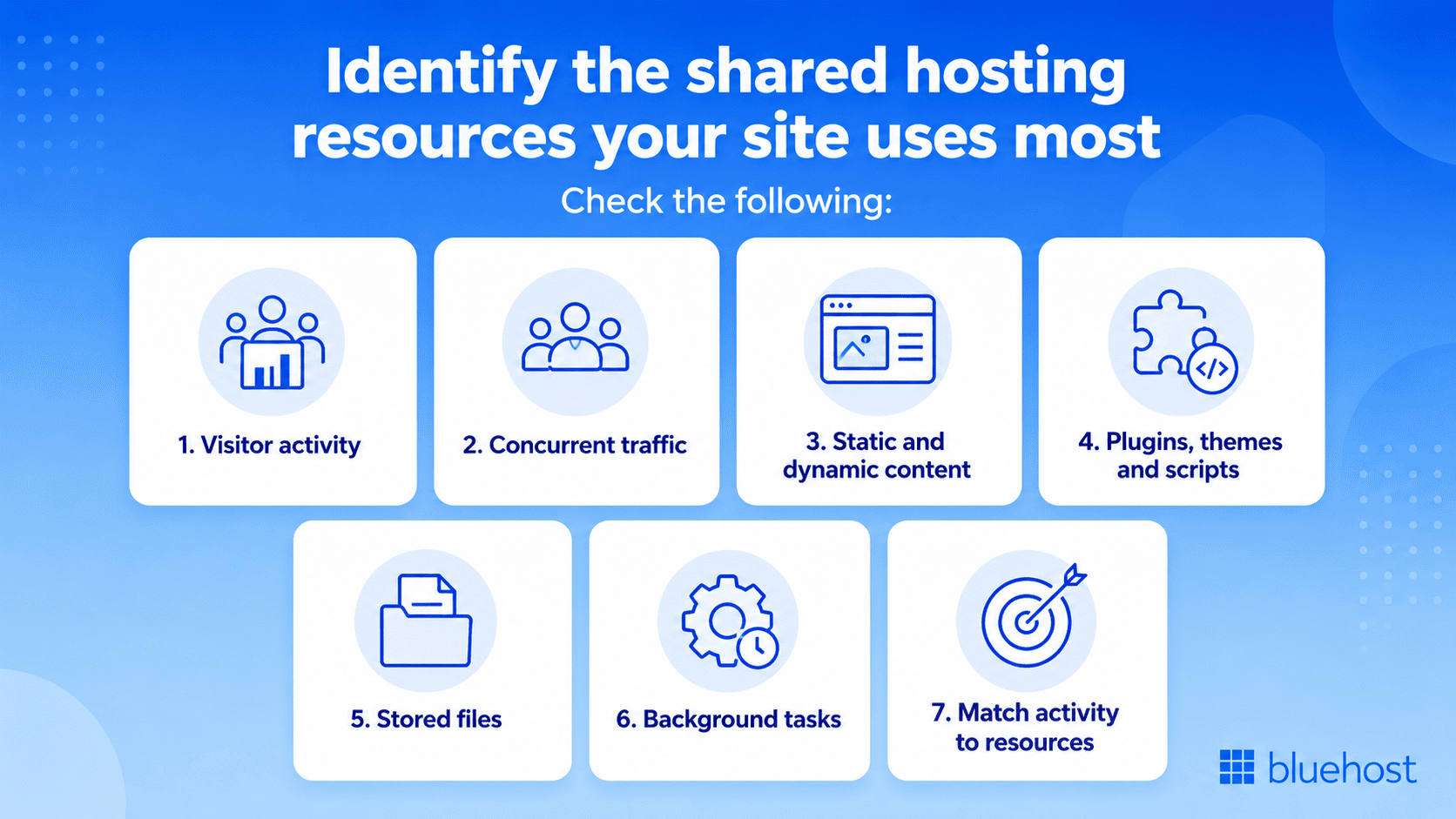
The resource limits that matter most for your website are largely determined by how visitors use it. Every action users take, from viewing pages to completing transactions, places different demands on hosting resources.
Review the following areas to identify the resources your website relies on most.
- Visitor activity: Check whether visitors mainly read cached pages or perform dynamic actions such as logging in, searching, booking or completing checkout. The more interactive your website is, the more it relies on resources such as CPU, RAM, PHP workers and databases to process requests in real time.
- Concurrent traffic: Look beyond monthly visits and review how many people use the site at the same time. Campaigns, launches and seasonal spikes can create more pressure than traffic spread evenly across the month.
- Static and dynamic content: Cached pages require less real-time processing. Account areas, carts, search results and personalized pages often need fresh PHP and database activity for each request.
- Plugins, themes and scripts: Review software that runs frequent scans, database queries or background requests. Poorly optimized components may consume significant resources even when site traffic is low.
- Stored files: Check the space used by media, email, databases, backups and staging copies. Also monitor file quantity, as cache files and email can increase inode usage before storage fills up.
- Background tasks: Backups, imports, security scans and scheduled jobs use resources without visitor activity. Avoid running several demanding tasks at the same time.
- Match activity to resources: Dynamic pages rely on CPU and RAM, while simultaneous requests use PHP workers and entry processes. Large files affect storage and bandwidth, while backups and database activity increase disk I/O demand.
Once you understand which resources your website relies on most, you can assess whether your current hosting still fits or whether it is time to switch. If you are looking for a reliable provider, Bluehost Web hosting offers managed environment that make it easier to run and maintain your website. Our free site migration tool also helps move an eligible WordPress website from another provider to Bluehost.
How does Bluehost Web hosting support your website’s needs?
Bluehost Shared Web hosting gives your website the performance, protection and management tools it needs from the start. We combine scalable shared hosting resources with built-in caching, security, backups and WordPress tools, helping you manage everyday website demands without handling the server yourself.
Our shared web hosting plan includes:
- NVMe storage: Faster storage helps your website access files and data efficiently.
- Caching and CDN: Static content caching, object caching on eligible plans and a free CDN help deliver content faster while reducing pressure on your hosting account.
- Built-in security: Free SSL, malware scanning and removal help secure your website and visitor data.
- Website backups: Weekly website backups provide a recovery point if files are deleted, an update causes problems or something unexpected affects your site.
- Managed WordPress updates: We help keep WordPress software updated, reducing routine maintenance for website owners.
- WordPress staging: Available with eligible plans, a staging site lets you test plugin updates, design changes and new features before applying them to your live website.
- Resource and site management: The Bluehost Portal brings website tools, backups and management controls into one place.
For a small business website, our shared web hosting can be a practical place to begin. You can start with the resources your site currently needs, then upscale to a higher hosting option as traffic, content or functionality grows.
To support different stages of website growth, Bluehost offers Starter, Business and eCommerce Essentials hosting plans. Starter is ideal for new websites and blogs, Business adds more storage and security features for growing sites and eCommerce Essentials includes built-in tools for selling products, memberships and digital content online.
Explore our web hosting plans and take your website live today!
Final thoughts
Shared hosting resource limits matter because they shape how much activity your website can process, store and deliver. The resource limits that matter most vary based on your website type, traffic, features, content and background processes.
Bluehost Web hosting gives your websites a managed starting point with all the necessary features in one place. As your website scales, you can upgrade to plans that better support growing traffic, content and functionality.
Ready to get your website online? Choose Bluehost Web hosting for ease and the flexibility to scale as your needs grow.
FAQs
Shared hosting commonly limits CPU, RAM, disk I/O, PHP workers, entry processes, storage, inodes, bandwidth and database usage. Exact allowances vary by provider, plan and server configuration. With Bluehost, you get account-level limits to maintain stable performance across shared servers.
Shared hosting can typically handle around 1,000 to 50,000 monthly visits, depending on your website’s size, traffic patterns and resource usage. Lightweight blogs and small business websites usually perform well, while high-traffic or resource-heavy sites may reach resource limits sooner. If your website frequently slows down or exceeds resource limits, it may be time to upgrade to VPS or dedicated hosting.
Yes. Resource-heavy plugins, inefficient scripts, automated backups, security scans, bots and repeated database queries can consume significant resources even when the website receives limited traffic.
An inode limit controls how many files and folders your hosting account can store. Plugins, cache files, email, backups and staging copies can increase inode usage.
PHP workers process dynamic requests such as logins, searches, forms and checkout actions. More simultaneous dynamic activity requires more available workers to prevent requests from forming a queue.
No. Bandwidth and website traffic capacity are related, but they aren’t the same. Bandwidth is the amount of data your website can transfer to visitors over a given period, while traffic capacity refers to how many visitors or requests your website can handle at once without slowing down or crashing. Your site’s traffic capacity depends on bandwidth as well as server resources, hosting infrastructure and website optimization.
No. Unmetered bandwidth doesn’t mean unlimited resources. It generally means your hosting plan doesn’t charge or impose a fixed monthly data-transfer limit, but your account is still subject to the hosting provider’s acceptable-use policies and limits on resources such as CPU, RAM, storage and server capacity.

Write A Comment